

1
Corgy
liveDescribe the demo. Corgy drives your real app, records the run, and turns it into a narrated video.
75/100
HealthAn estimate of how actively and professionally this product is run, based on public signals from its website. Higher means more established.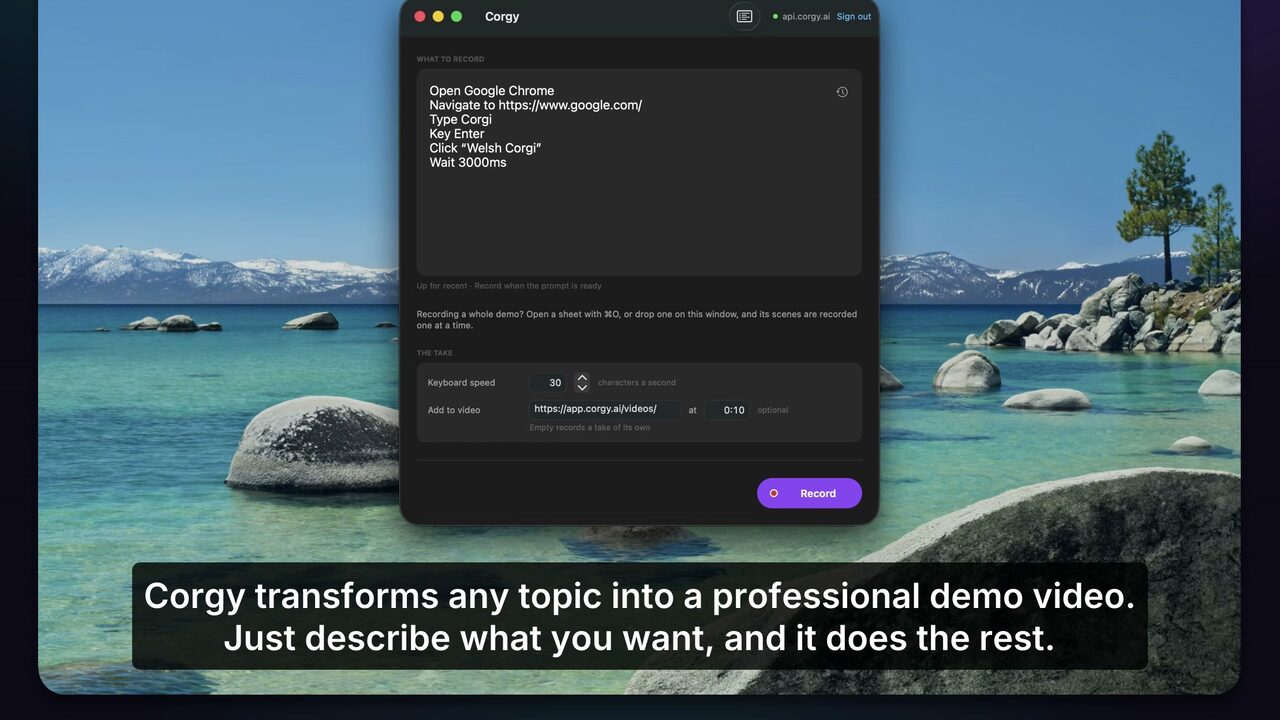
Key features
- Demos from a promptWrite what to show. Corgy works out the clicks and performs them.
- Drives your real appSigned in, on your own data - not a mockup or a staged sandbox.
- Narration written and voicedEach clip gets a script and a voiceover, generated from what happened on screen.
- Editable timelineTrim, reorder and re-cut the take before exporting.
- Re-record instead of re-shootWhen the UI changes, run the prompt again rather than filming it again.
- Chrome extension or macOS appWeb apps through the browser; native apps through the Mac recorder.
Overview
Corgy makes product demo videos without a screen recorder. You write what the demo should show — "open the billing page, create an invoice, send it" — and Corgy drives your own app, signed in and on your real data, while recording the run. It cuts the take into an editable timeline, writes narration for each clip, voices it, and exports an mp4.
It's for teams whose demo and changelog videos go stale every release: anyone who has re-recorded the same walkthrough because a button moved, or shipped a feature with no video because nobody had an afternoon to film one. Because the demo is a prompt rather than a take, re-recording it after a UI change costs a rerun instead of a morning.
Runs as a Chrome extension for web apps, or a macOS recorder that drives native apps too.
What Corgy is built with
- Hosting
- Stormkit
- Framework
- React Router
- Analytics
- Stormkit Analytics
Alternatives to Corgy

2

3

4

Tella
Screen recorder with an editor for zooms, layouts, captions and AI cleanup
AIProductivityMarketing
0 comments